
Your agent: Working
See what your agent is doing from across the room.
Start 7-day free trialAdd a card to start.Then £2.99 a month.
How it works: a Claude Code notification you can see across the room
Your smart lights show when Claude Code or Codex is done or needs permission, so you can walk away.
Claude Code hooks and Codex hooks drive the states you map: done, needs permission and, for Claude Code, waiting for input. Or ask in chat, “flash the kitchen light when the deploy is done”, and it will.
Press play
Start a session. The profile for that repo takes over the lights you picked.
Agent at work
Hooks move the lights through the states you mapped. Ask in chat and the agent can flash, recolour or switch your lights, plugs and scenes.
Press stop
Press Stop or quit the app. Every light and plug AC Bridge changed goes back as close to how it was as each device allows; the rest are left alone.
Why a status light instead of a notification sound
Walk away. The light tells you.
Cook dinner, take the call, sit on the sofa. The room shows when Claude Code or Codex is working, needs you or is done, so you stop checking the terminal.
Claude Code and Codex
Official hooks into both agents. State changes drive your LAN lights straight from your machine, with no cloud round trip. Run both at once, each with its own profile.
Quieter than a notification sound.
No chime in your headphones, no buzz on your phone. A colour you notice from across the room, and can ignore while you are busy.
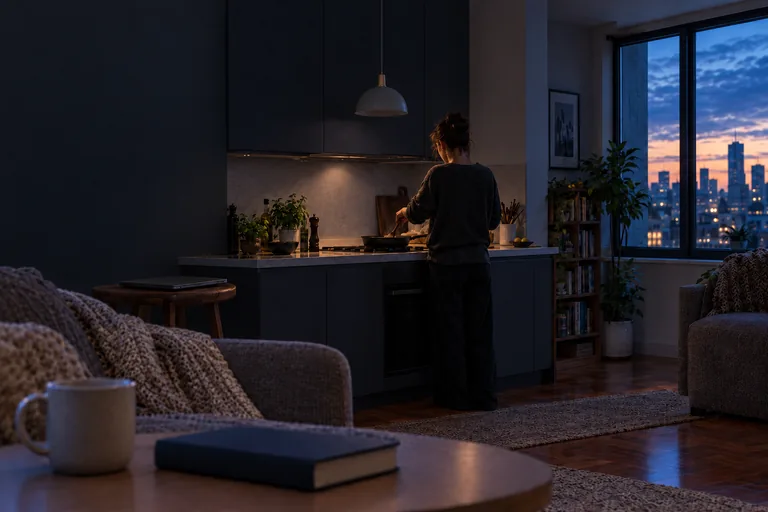
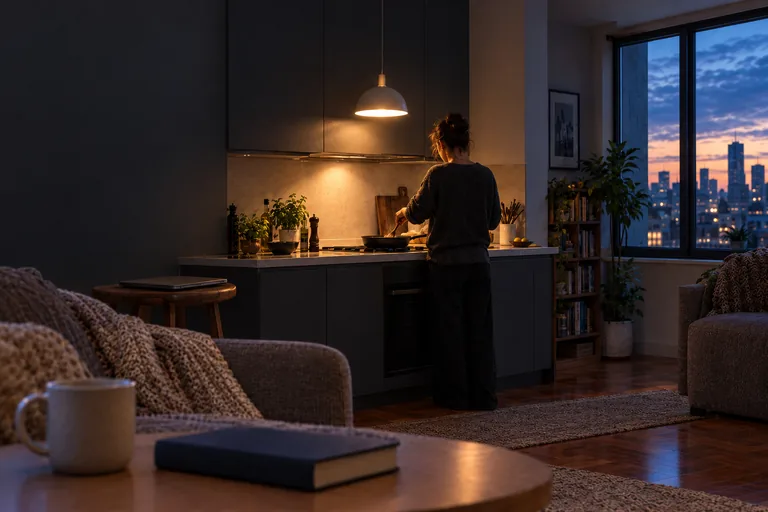
Walk away. Your agent will flash the light.
Tell Claude Code or Codex in chat what your lights, plugs and scenes should do, and get on with dinner.
You: Deploy to staging, and flash the kitchen light when it is done.
Claude Code: Deployed to staging. Flashing the kitchen light now.
More things to ask
- “Flash the kitchen light when the deploy is done”
- “Turn the desk lamp green when every test passes”
- “Switch the office fan off once the build is done”
- “Run my Focus scene while you work through the plan”
Off until you switch it on
One setting per profile in the AC Bridge app: “Make agent aware of devices in chat”. Without it, a session is not told about your devices.
It learns the devices you chose
The session is told about the devices in that profile, from LAN lights to the devices your Home Assistant already runs, with the commands each one accepts.
Security devices stay yours
Setup pre-approves AC Bridge's device tools, and you can revoke that in the agent's permission settings; locks, garage doors, valves and cameras are always refused.
Many agents, one lamp. The colour is the state.
Give each repo its own lamp, or let one lamp follow several. Any number of Claude Code and Codex sessions can drive the same light. When sessions share a light, the most recent one shows by default. Green means the API shipped; red means the game build wants you.
- ~/work/acme-apiFinishedlamp glows green
- ~/side/gameNeeds permissionlamp flashes red
- ~/oss/cli-toolPlan readylamp glows violet
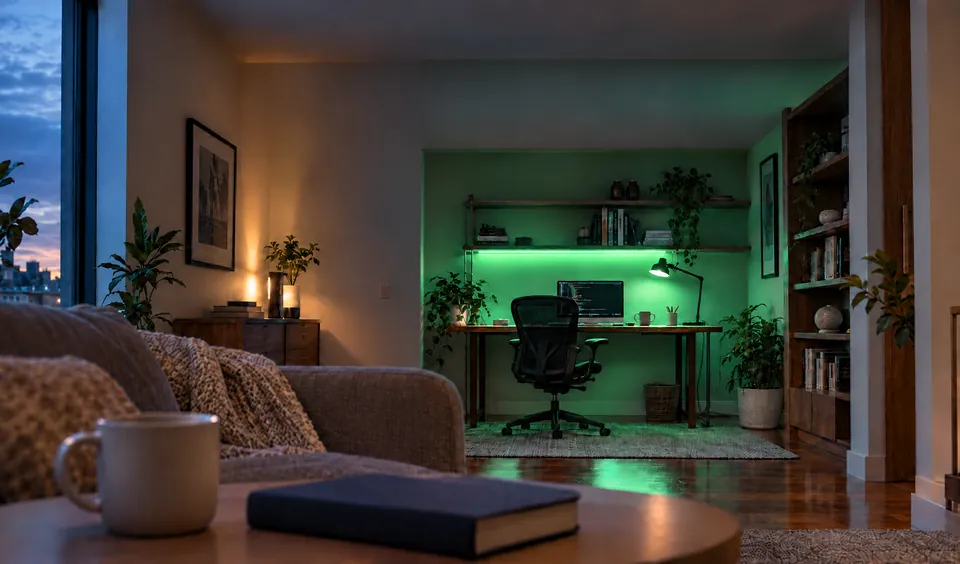
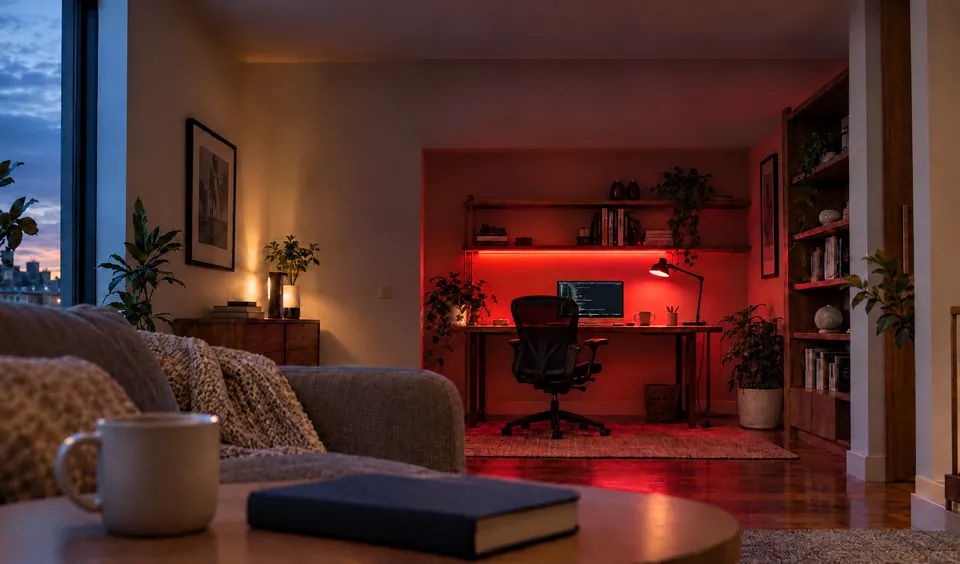
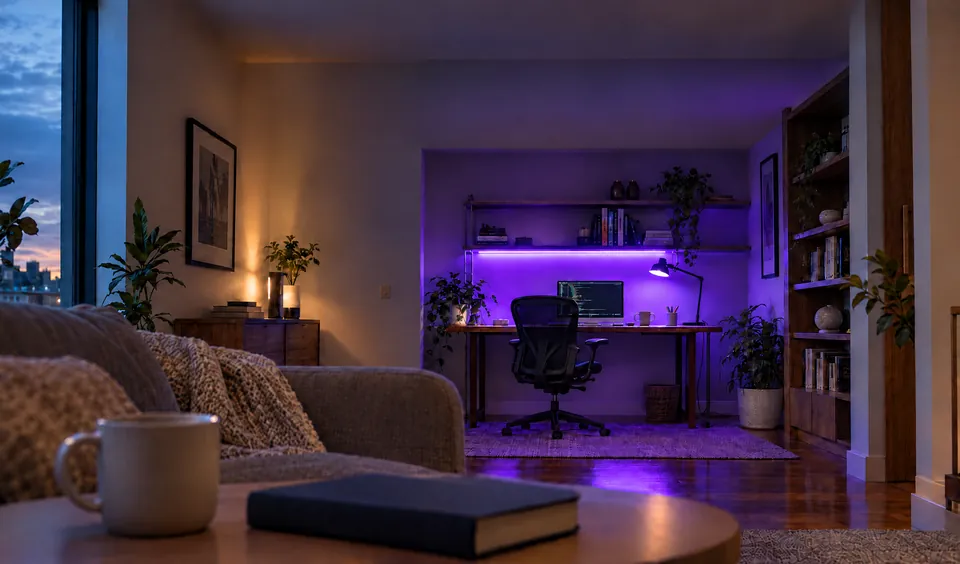
Any state. Any colour. Any effect.
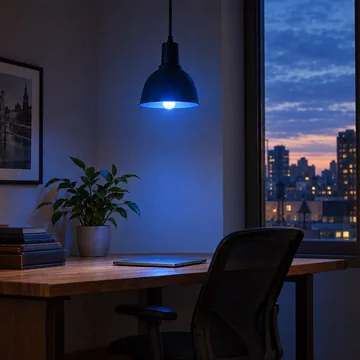
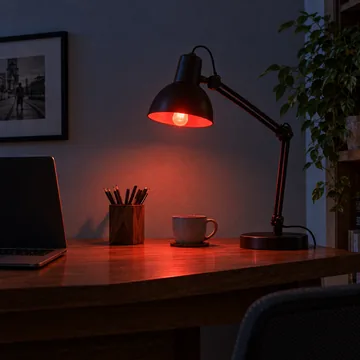
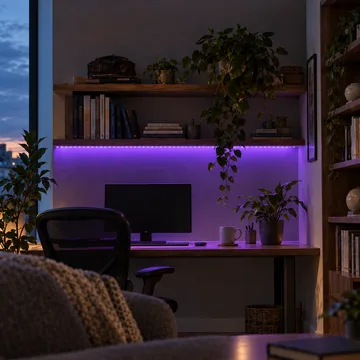
Make any smart light a Claude Code status light. Pick the colour and the effect for every agent state, per repo: breathe blue while it works, strobe red when it needs permission, pulse orange while it waits for you. These six are a starting point: there are 29 states and 9 effects.
- Workingbreathes blue
- Needs permissionstrobes red
- Needs inputpulses orange

- Plan readyfades to violet
- Context lowflickers amber like a candle
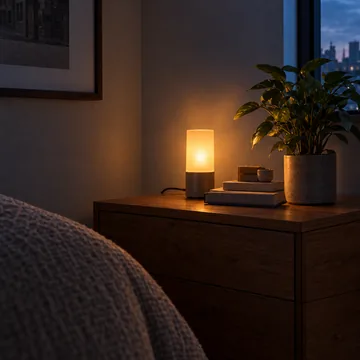
- Finishedglows green
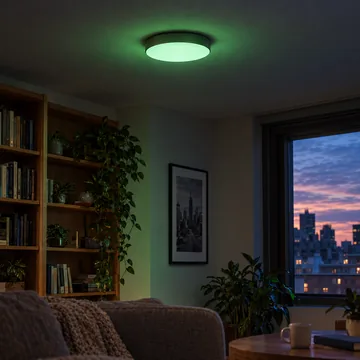
Needs input is Claude Code only.
- 29Agent states
- One catalogue across both agents. Claude Code can trigger all 29; Codex 19. Map any of them to a scene.
- 9Effects on colour bulbs
- Flash, strobe, pulse, fade, loop, candle, rainbow, siren, meter. Generated by AC Bridge, not built into the bulb. White bulbs get a subset.
- 49Device commands
- Power, brightness, colour, temperature, scenes, effects, covers, fans, media, volume. A state can fire any command its device advertises; locks and similar need an explicit allow.
- 20+Device types
- Bulbs, plugs, LED strips, switches, covers, thermostats, fans, media players, vacuums — plus sensors your agents can read.
Works with Hue, Govee, WLED and more.
16 brands driven directly on your LAN, plus the devices your Home Assistant already runs. Local device keys stay on your machine.
How the Claude Code status light works, and which brands it drives
 Home Assistantvia hub
 Philips Hue
 SmartThingsvia cloud
 Kasa
 Tapo
 LIFX
 Govee
 WiZ
 Yeelight
 Nanoleaf
 WLED
 Shelly
 Tuya
 Meross
 SONOFF
 Elgato
 Roku
 ESPHome
One plan. One price.
No tiers, no seats, no per-session metering.
Add a card to start your 7-day free trial. Then £2.99 a month.
- Day 0Add a card to start your trial. Nothing is charged.
- Day 7The trial ends and your card is charged £2.99. Cancel before then and you pay nothing.
- Every monthIt renews automatically every month. Cancel anytime from your account.
Cancel before the trial ends and you pay nothing. Priced in pounds sterling — a card issued outside the UK may be converted by your bank.
LAN devices are driven straight from your machine and their keys never leave it; your account, settings, device list, usage counts and session states sync through our servers. Your prompts, code and session transcripts are never collected. Privacy policy
AC Bridge drives the agents you already run on your own machine. No API keys to buy, no model costs on top.
16 brands driven directly on your LAN, plus the devices your Home Assistant already runs.
The bridge runs on that machine. Your profiles follow your account, so you can move between computers — one is connected at a time.
- Every integration on this page
- 29 agent states, mapped to any scene
- 9 lighting effects, generated by AC Bridge
- Claude Code and Codex, side by side
- LAN devices driven from your own PC
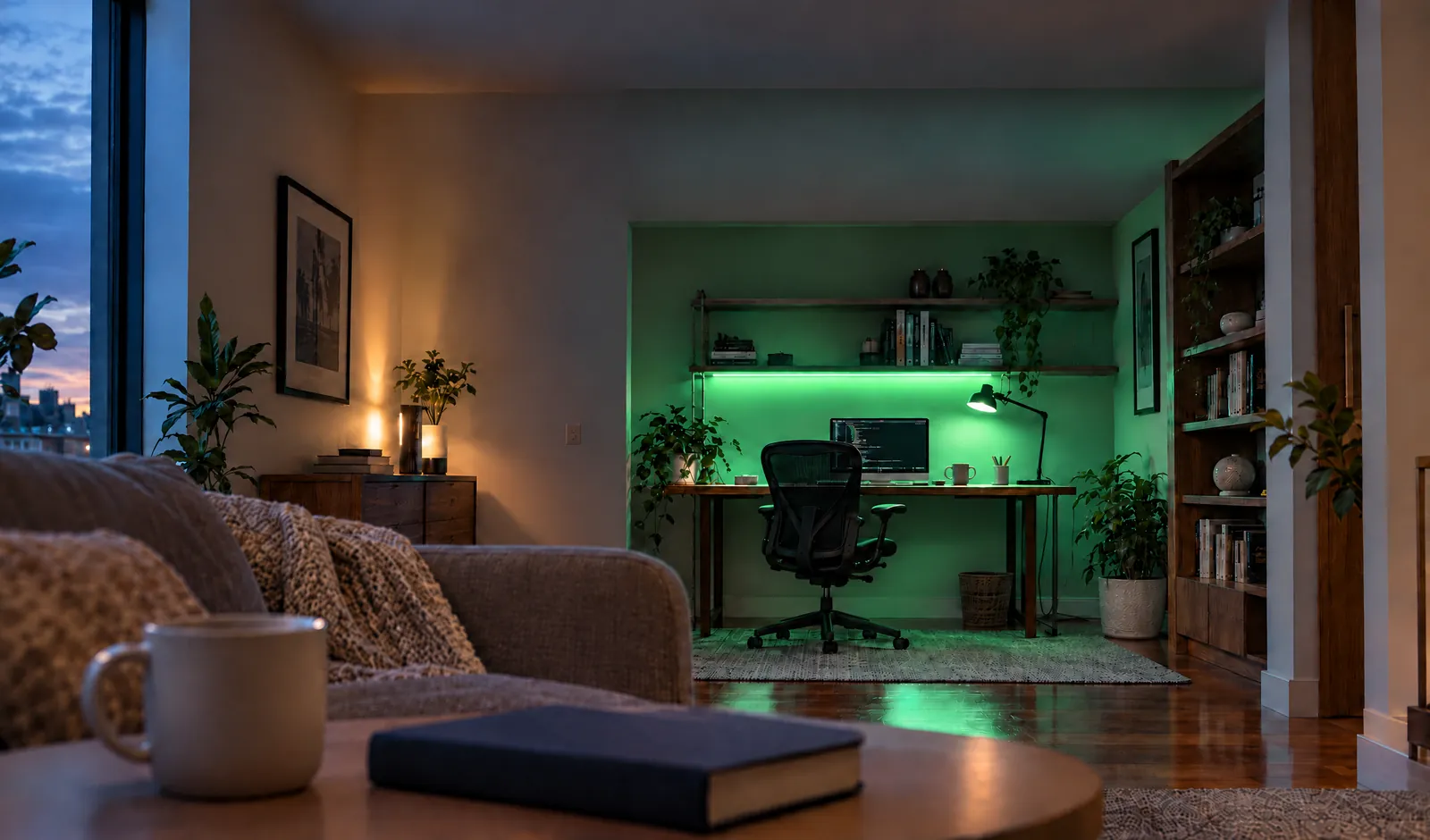
Stop watching the terminal. Let the room watch it for you.
Add a card to start. Nothing is charged for 7 days, then £2.99 a month.